
Quick Actions
Server announcements and cleanup tools
Quick Actions provide one-click access to common server management tasks from the Dashboard.
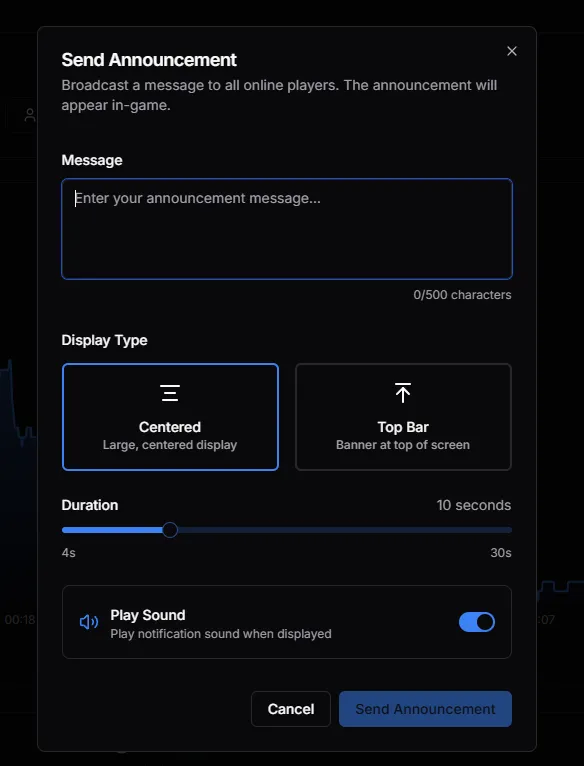
Send Announcement
Section titled “Send Announcement”Broadcast a message to all online players. The announcement appears in-game.
Options
Section titled “Options”| Setting | Description |
|---|---|
| Message | Your announcement text (up to 500 characters) |
| Display Type | Centered (large, center screen) or Top Bar (banner at top) |
| Duration | How long the message displays (4-30 seconds) |
| Play Sound | Play notification sound when displayed |
Use Cases
Section titled “Use Cases”- Server restart warnings
- Event announcements
- Rule reminders
- Welcome messages
Clear Vehicles
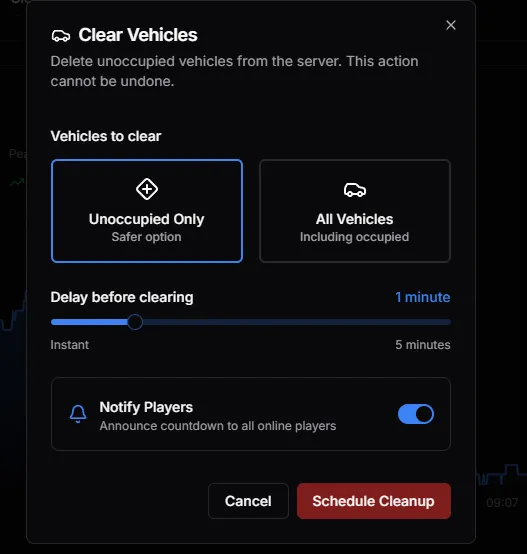
Section titled “Clear Vehicles”Remove vehicles from the server to improve performance or clean up after events.
Options
Section titled “Options”| Setting | Description |
|---|---|
| Unoccupied Only | Safer option - only removes empty vehicles |
| All Vehicles | Removes all vehicles including occupied ones |
| Delay | Time before cleanup (Instant to 5 minutes) |
| Notify Players | Announce countdown to all online players |
Clear NPCs
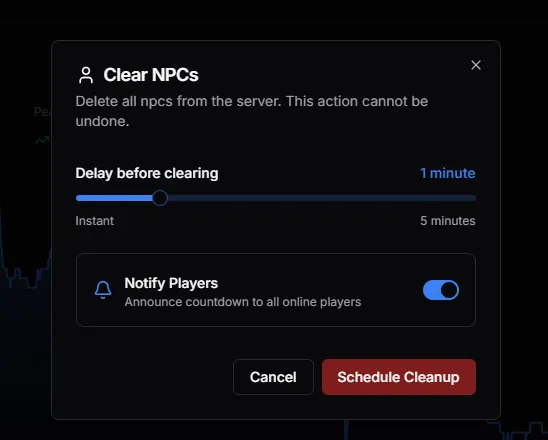
Section titled “Clear NPCs”Delete all NPCs (peds) from the server.
Options
Section titled “Options”| Setting | Description |
|---|---|
| Delay | Time before cleanup (Instant to 5 minutes) |
| Notify Players | Announce countdown to all online players |
Clear Objects
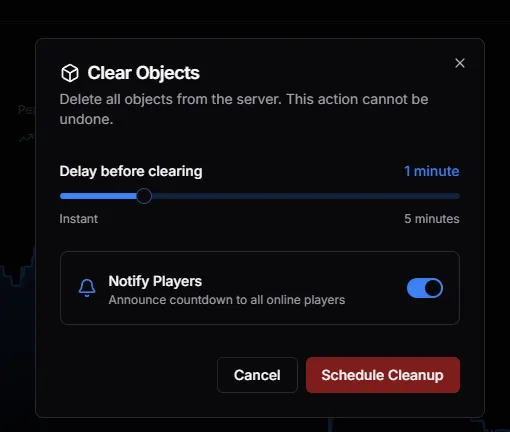
Section titled “Clear Objects”Remove spawned props and objects from the server.
Options
Section titled “Options”| Setting | Description |
|---|---|
| Delay | Time before cleanup (Instant to 5 minutes) |
| Notify Players | Announce countdown to all online players |
When to Use
Section titled “When to Use”- After building/prop events
- Performance issues from too many objects
- General server cleanup
Best Practices
Section titled “Best Practices”- Schedule cleanups during low activity — Less impact on players
- Use delays — Gives players time to save progress
- Enable notifications — Players appreciate warnings
- Use “Unoccupied Only” for vehicles — Safer during gameplay
- Monitor entity counts — Dashboard shows when cleanup is needed